View cart “ZAAMBUTECH 720P HD SPY Pen Camera” has been added to your cart.
Sale!
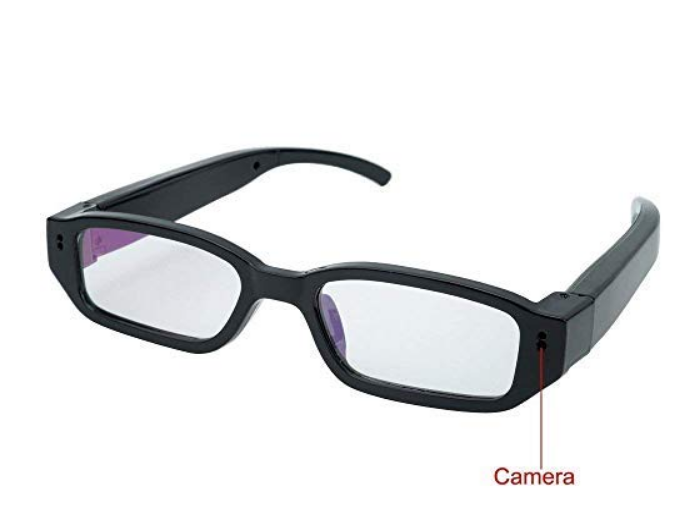
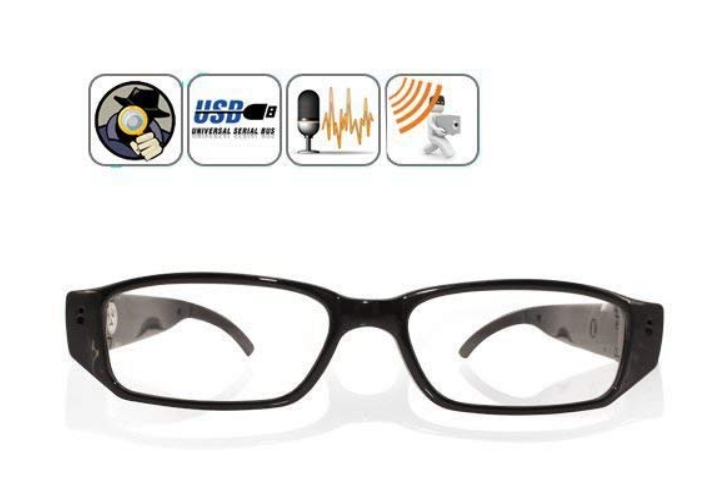
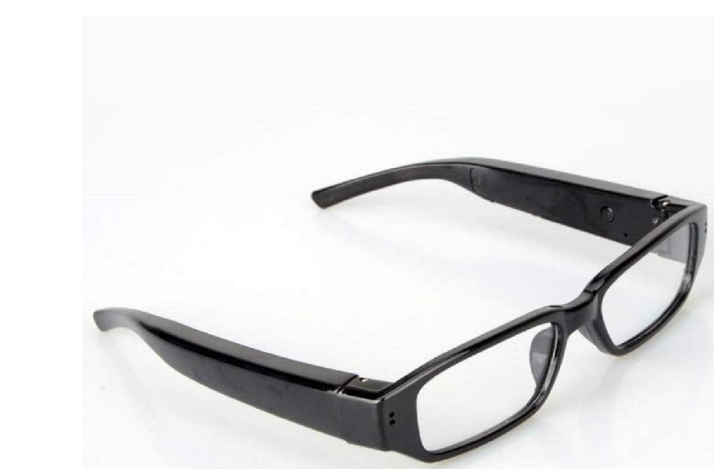
V.T.I. Security Goggles Spy Camera with 720P Recording Resolution.
₹1,999.00₹970.00
This spy camera system comes in a cool spectacle form that can be slipped on as normal for investigative purposes. The camera is able to capture videos, which can be transferred to any Windows-powered Brilliant and rich natural colors, high quality video images.
Flexible design suits for different faces for different races and ages. Fashion and cool design keeps up closely with vogue steps. A perfect embrace of fashion concepts and factors.
Free open TF slot meet with different customer’s demand, Max. support 32GB sd card. Easy connection with PC/Laptops, no driver needed. User friendly operation button for easy control.
A must for trend-spotter, journalist, traffic police, travelers, hikers, mount climbers, students, life-lovers and etc.
Charging time: about 60-70 Minutes hours. Recording time: upto 90minutes; Standby time: about 7 days
Instructions to use the product:
1.Kindly Open the product and keep on charge for 1 hour (charging can be done through laptop) Start Video Audio Recording : 1st insert the memory card on left hand side of the specks
2. Hold the on / off button for 3sec, red & blue light will get on than turn it to red that means stand by mode. Press that same button 3 sec again red light flashes 3 times that means recording has started.
3.To stop recording : hold the on / off button for 5 sec red & blue light flashes 2 times that means recording has stopped. Kindly switch off the Specs camera & then attach in to the computer to view the recording.
IF YOU ARE UNABLE TO SEE THE VIDEO AND ONLY AUDIO SOUND IS COMING, PLEASE DOWNLOAD THE VLC MEDIA PLAYER TO PLAY THE FILE. Note: Memory card not available with this product.
Reviews
There are no reviews yet.
Be the first to review “V.T.I. Security Goggles Spy Camera with 720P Recording Resolution.” Cancel reply


Reviews
There are no reviews yet.